At the pastry case
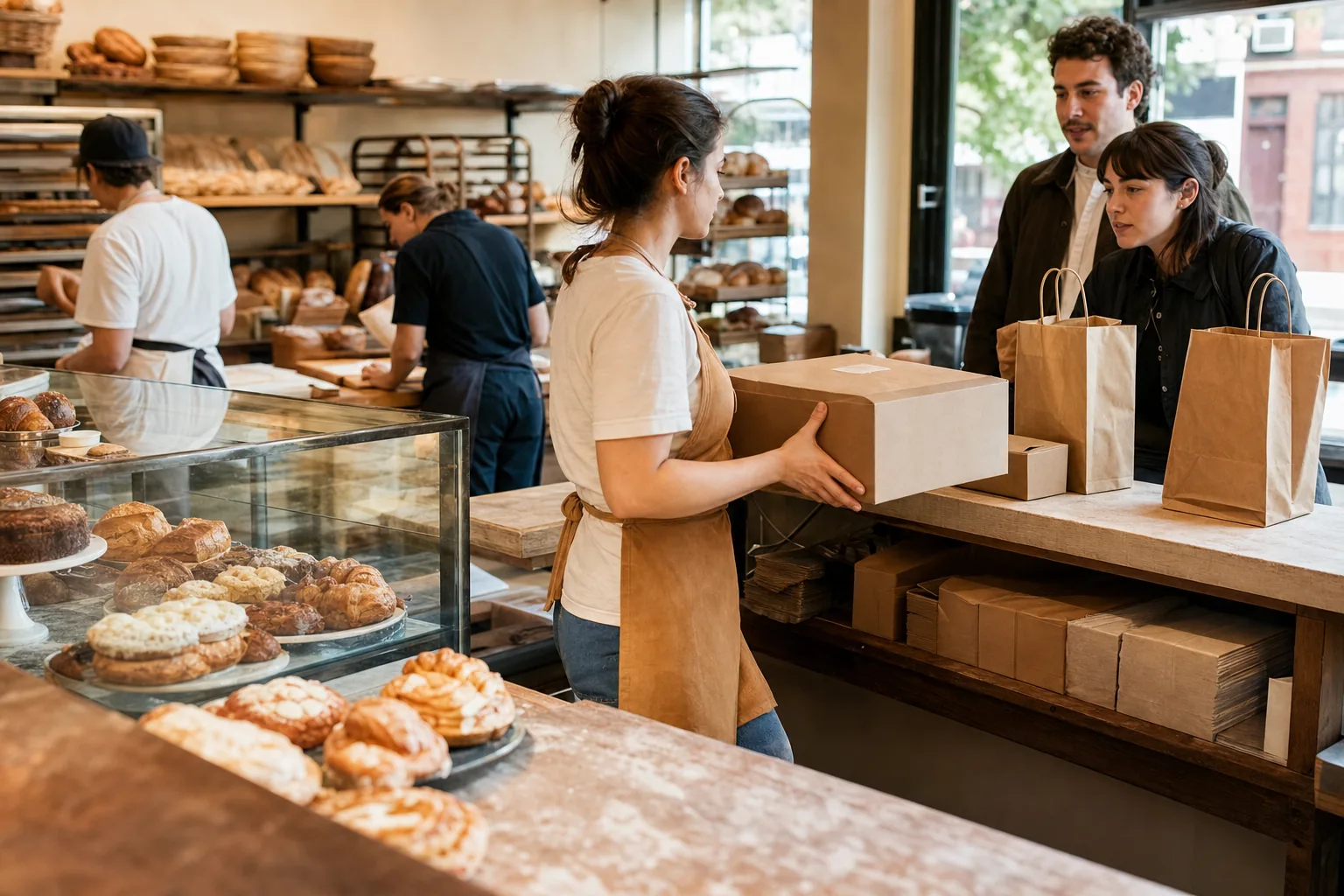
Keep collectors out of the browsing line
Preorder guests wait near pickup instead of rejoining a line of people still choosing croissants.
Pickup display for bakeries
Cake pickups, warmed sandwiches, coffee and people still choosing pastries shouldn't all end up at the same counter. Show preorder customers exactly when their order is ready, on a board that suits the room.
Pickup Signal is a customer-facing pickup board for bakeries. It shows each order's name or ticket number on a TV as staff move it from making to ready, so the counter stays clear and preorder pickups get their own lane. Connect Square, or add orders from any register. $19.99 per location per month.
The Saturday bakery
At the pastry case
Preorder guests wait near pickup instead of rejoining a line of people still choosing croissants.
Behind the counter
A cake box, a warmed sandwich and a drink move at different speeds while the customer sees one clear Ready state.
Holiday volume
Use whatever identifier is already printed on the box or the ticket. Large type, readable across a packed collection window.
The Warm Counter board lists each order with its wait time, menu-style. Two common bakery setups:
Type the name on the cake order, tap Add. Two seconds at the register, and it is on the board until collected.
 Available now
Every eligible Square order lands on the board with the customer name and items the moment it is rung up. Preorders and walk-ins on one screen.
Coming soon: ToastTell us your register
Yes. Staff add the order when they start packing it, or it arrives from Square when rung up. It sits in Making until you tap Ready on collection day.
Nothing disappears. After a timer you choose, it moves to "please see staff" instead of vanishing, so the collector still knows where to go.
Yes. Pick a numbers-only board like Ticket Numbers, or show both. What customers see is your choice.
Usually not. Any TV with a browser, or a spare iPad set to Ready only by the preorder shelf.
Pair a screen, run the next busy weekend, and keep the rest of the counter unchanged.