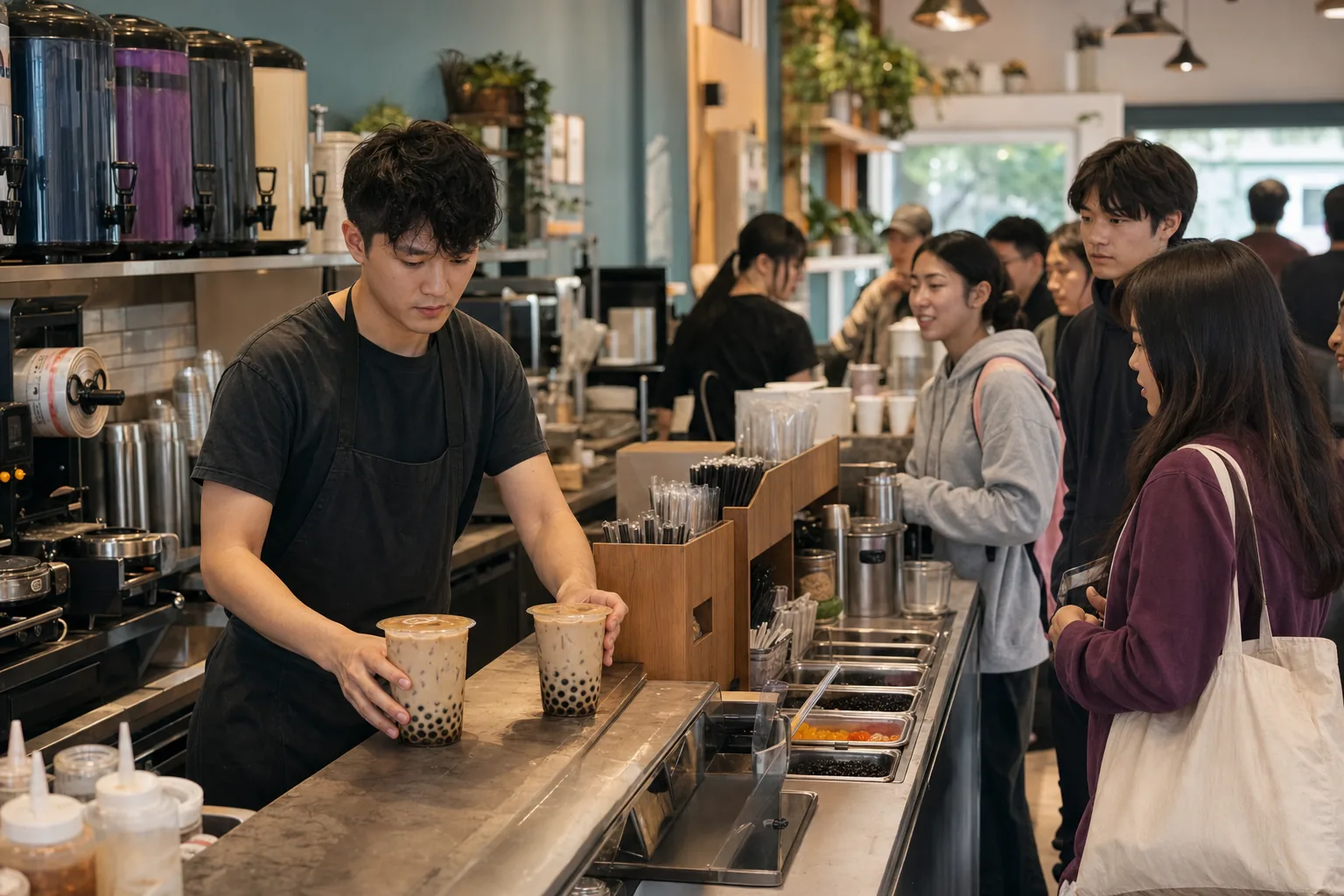
At the sealing station
Protect the maker's count
Routine status questions move to the screen before they interrupt someone keeping six custom drinks straight.
Order ready board for boba shops
When every cup has its own sugar, ice, milk and topping choices, the maker needs their full count. Let a live board handle the "is mine ready?" part of the after-school rush, in your shop's colors.
Pickup Signal is a customer-facing pickup board for boba shops. It shows each drink's name or ticket number on a TV as staff move it from making to ready, so a crowded counter can read the queue instead of asking. Connect Square, or add orders from any register. $19.99 per location per month.
When every cup is different
At the sealing station
Routine status questions move to the screen before they interrupt someone keeping six custom drinks straight.
Over blender noise
First name, last initial and ticket number stay visible after a name called once is lost under the music and blenders.
Across the pickup crowd
Customers wait back from the toppings and sealing area until their name moves into Ready.
Layouts like Pickup Gallery put your logo and colors first. Two common boba setups:
Type the name from the cup label, tap Add. Two seconds at the register, then one tap when it's sealed.
 Available now
Every eligible Square order lands on the board with the customer name and drink the moment it is rung up. App orders and walk-ins on one screen.
Coming soon: ToastTell us your register
Pick Ticket Numbers or Service Grid: numbers lead every row. Or show both name and number, which is what most boba shops end up doing.
Only if you want one. A chime on Ready is a toggle, off by default.
Yes. Your accent color tints the Ready column and headings on every one of the thirteen designs, and your logo sits in the header.
Usually not. Any TV with a browser, a spare iPad, or a $35 streaming stick.
Use the screen already in the shop and run the board through two busy weekends.